
How to Make Smart Home Tech Invisible: 2026 Guide
 Abdul WadoodLast updated
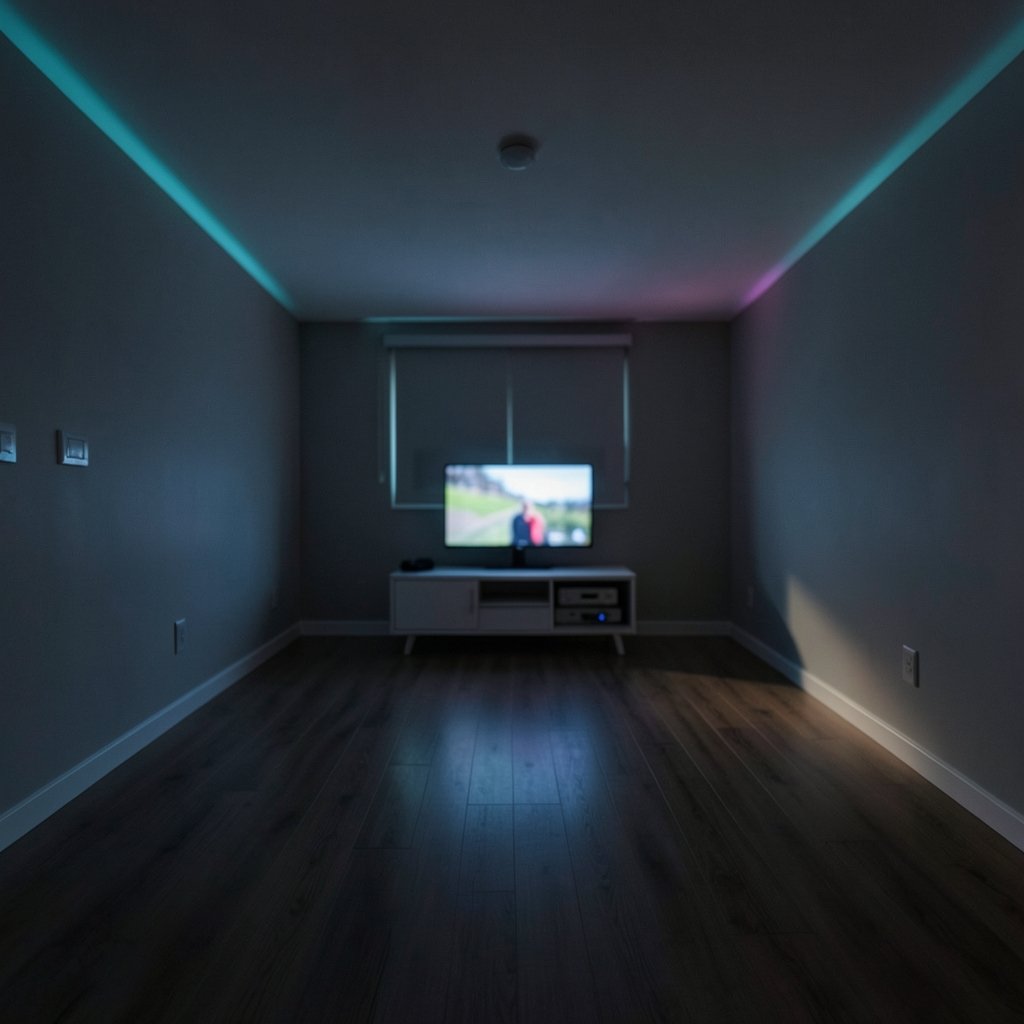
Roughly a third of smart home owners say they bought a connected device and later stopped using it. That number should bother anyone who loves the idea of an intelligent home. The problem is rarely the technology itself. It is that the technology announces itself: glowing LEDs, dangling hubs, a dozen apps, and a wall that looks like a server rack.
Invisible smart home design flips that. The house responds to you, but you rarely see the machinery that makes it happen. This guide covers what that looks like in practice, where people go wrong, and how to plan a build or retrofit that hides the tech without sacrificing control. (Home automation)
What “Invisible” Actually Means in a Smart Home
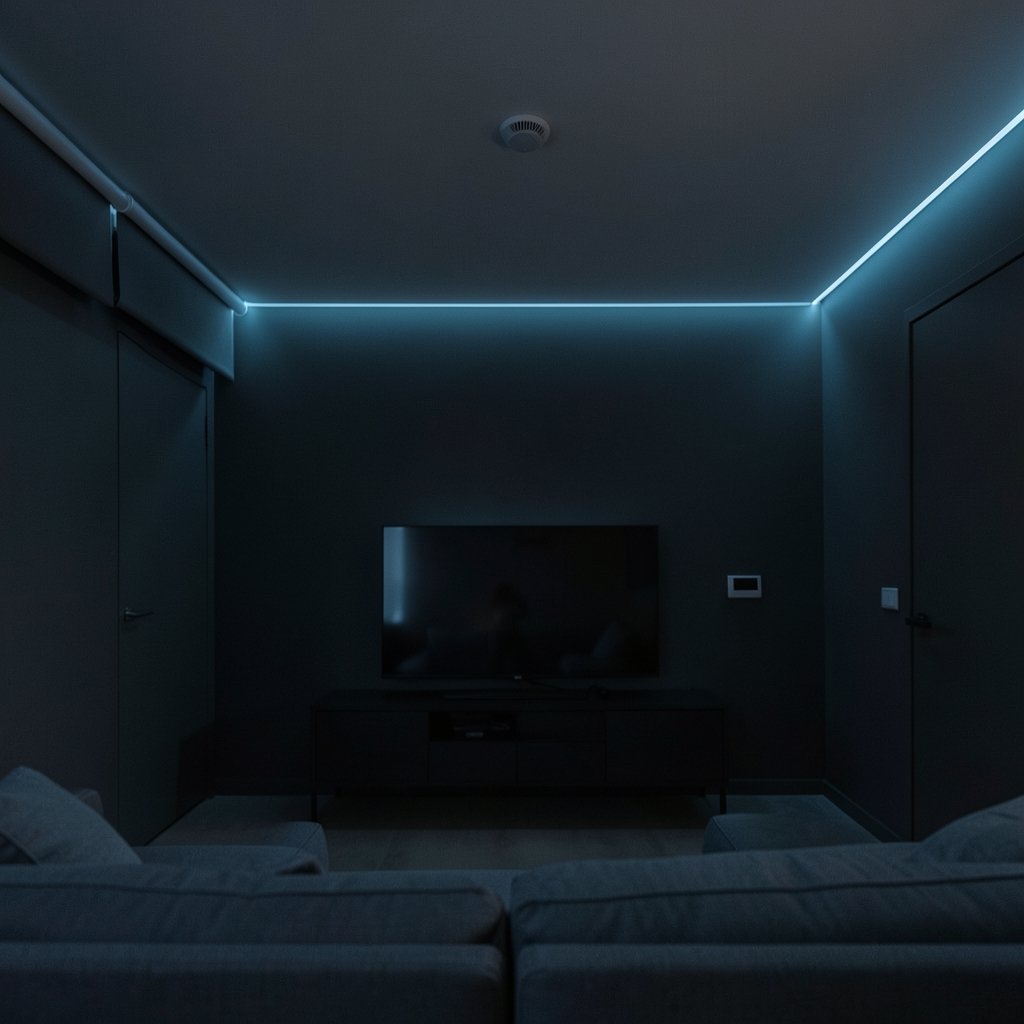
Invisible does not mean “no devices.” It means the devices are either physically concealed, functionally silent, or both. There are three layers worth separating:
- Physical invisibility: sensors in ceilings, relays behind switch plates, speakers under drywall.
- Interface invisibility: no app required for daily use. Lights respond to presence, blinds follow the sun, HVAC adjusts on schedule.
- Cognitive invisibility: the system fades into routine. Nobody thinks about it, and nothing demands attention.
Most failed smart homes get the first layer right and skip the other two. A hidden hub is still a hub if you have to open an app to turn on a lamp.
Start With the Wiring, Not the Gadgets
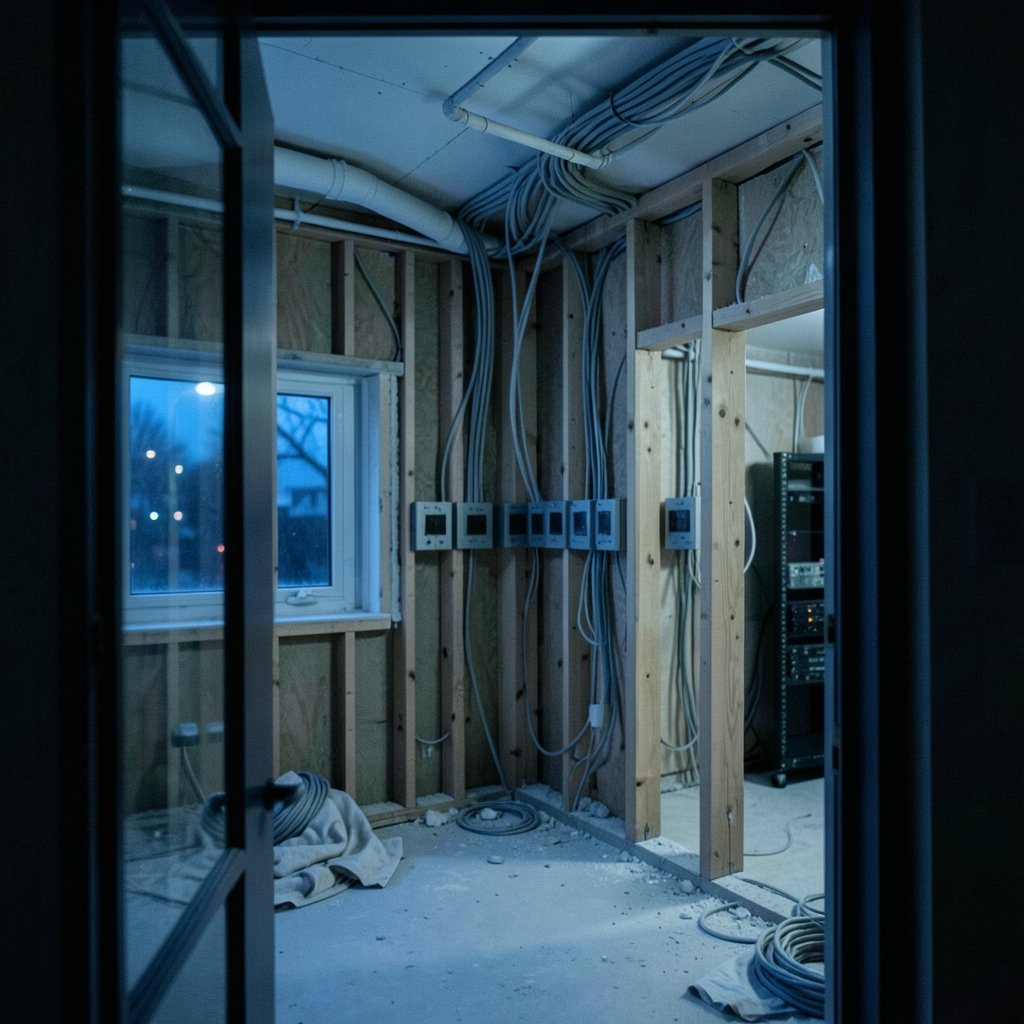
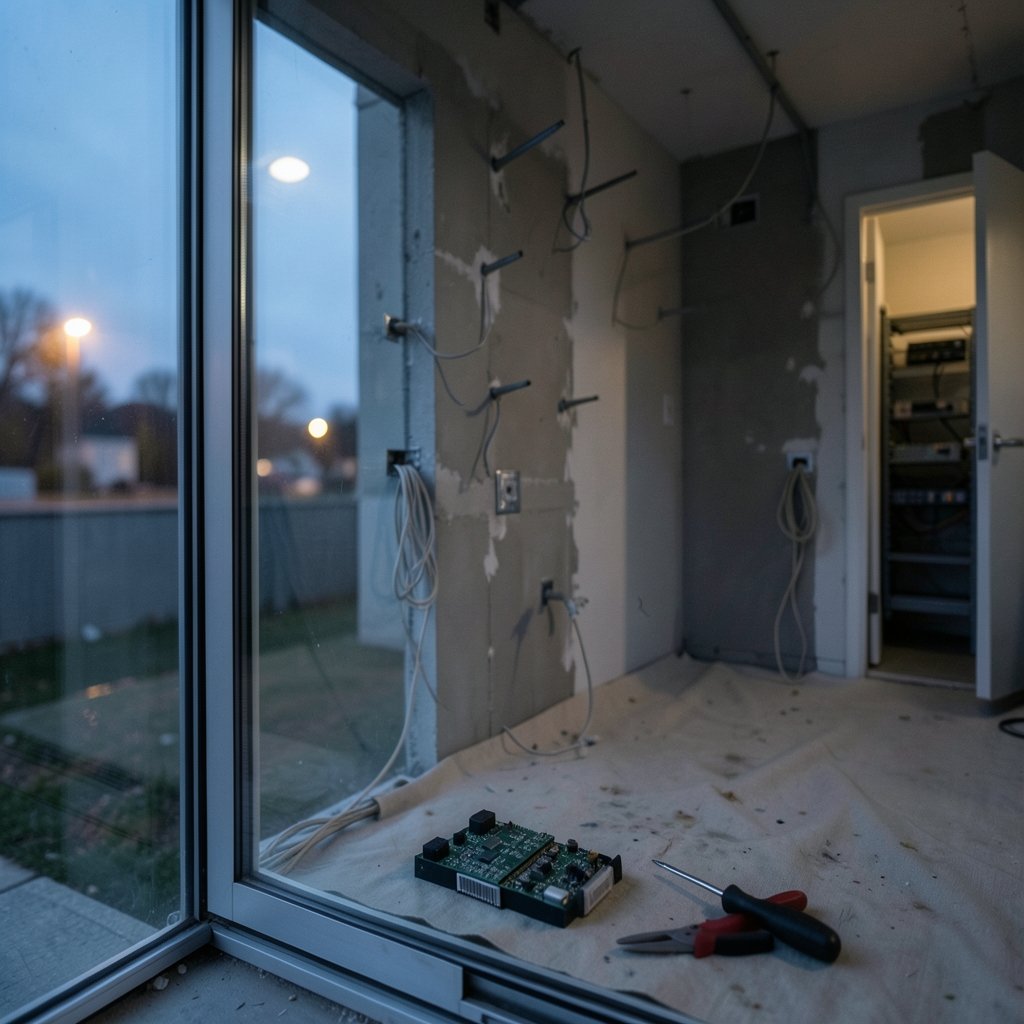
The single biggest mistake in invisible smart home projects is buying devices before planning the electrical layout. Retrofitting a concealed sensor means cutting drywall. Planning for one during a renovation costs almost nothing.
A few practical rules that hold up across most projects:
- Run neutral wires to every switch box. Many smart dimmers and relays need a neutral, and older homes often lack one. This is the cheapest fix you will ever make during a renovation.
- Add deep back boxes. Standard 35mm boxes get crowded fast once a relay, dimmer module, and wiring share space. 47mm boxes give you room to work.
- Pull spare conduit to key locations. Ceilings in hallways, above door frames, and near windows are prime spots for presence sensors and motorized shades later.
- Dedicate a small utility closet for a network rack, hub, and power. It keeps gear out of sight and makes service calls easier.
If you are remodeling anyway, look at how a well-planned room balances function and calm. The same thinking that makes a space feel personal applies to wiring: plan for what you will want in five years, rather than only what you need on move-in day.
Hide the Hardware: Where Devices Should Actually Live
Concealment is a design problem, not a shopping problem. The goal is to place sensors and controls where they can do their job without being seen.
In-wall and behind-plate devices
Smart relays and dimmer modules install behind standard switches. From the room, the switch looks ordinary; behind it, the module handles automation. This is one of the most reliable ways to make lighting smart without changing a single visible fixture.
One caveat matters here: electrical code. Any in-wall module should carry the appropriate safety listing for your region, and installation should follow local rules. If you are not comfortable working inside a switch box, hire a licensed electrician. A hidden device that fails inspection is not invisible; it is a liability.
Ceiling-mounted presence sensors
PIR motion sensors are cheap but blunt. They miss a person sitting still and trigger on pets. mmWave radar sensors detect presence more reliably, including someone reading on a sofa. Mounted flush in a ceiling, they disappear entirely.
The trade-off is real: radar sensors cost more, and placement matters. A sensor aimed at a hallway will pick up movement through a doorway. Test placement before committing to a permanent ceiling cut.
Motorized shades and hidden speakers
Shade motors hide inside the roller tube. In-ceiling speakers sit flush with drywall. Both are examples of the same principle: choose form factors designed to vanish rather than trying to camouflage consumer gadgets after the fact.
The hub closet
Put the messy part in one place. A small closet with a network switch, a hub, and a battery backup keeps the visible rooms clean. Label every cable. Future you will be grateful.
Choose Local Control Over Cloud Dependency
Here is where invisible design and reliability overlap. A system that depends on a cloud service can fail in ways you cannot see or fix: an outage, a discontinued product line, a subscription that lapses.
Local control means automations run on a hub in your home rather than in a data center. The practical benefits are lower latency, continued operation during internet outages, and better privacy. Open-source platforms have made this approach far more accessible than it was a few years ago, and the broader shift toward technology with a more human touch reflects what homeowners increasingly want: systems that serve quietly rather than demand attention.
The catch is setup effort. Local platforms often require more configuration than a consumer plug-and-play kit. If you want invisible and simple, budget time for the initial build, or work with an integrator who specializes in local systems.
Use Standards to Avoid a Tower of Bridges
Every proprietary platform you add is another app, another account, and another point of failure. Standards reduce that clutter.
| Standard | Best For | Visibility Trade-off |
|---|---|---|
| Matter | Devices across brands; broad compatibility | Fewer bridges, but certification and firmware vary by device |
| Thread | Battery sensors and low-power devices | Needs a border router, usually hidden in a plug or speaker |
| Zigbee | Large sensor networks, mature device range | Typically needs a hub, which can live in the closet |
| Z-Wave | Sub-GHz mesh, less Wi-Fi interference | Hub required; fewer compatible devices |
| Wi-Fi | Simple single-device setups | Crowds the network; poor fit for many battery sensors |
The practical takeaway: pick one primary standard for sensors and one for lighting, and keep bridges in the utility closet. “Works with” claims on packaging often require a hub you did not plan for, so verify before buying in bulk.
Design Automations That Nobody Has to Think About
The best invisible automation is one you never notice. A few patterns that work well in real homes:
- Presence-based lighting in hallways and bathrooms, with a manual override switch for the rare case the sensor misreads.
- Sun-following shades that close in late afternoon to cut heat gain, then reopen at dusk.
- Gentle morning routines that raise temperature and light gradually rather than snapping on at full brightness.
- Away mode that randomizes lights and pauses high-draw appliances.
Keep the number of automations modest at first. Ten rules you understand beat fifty you inherited from a forum thread. And always leave a physical switch. A house that cannot be operated without a phone is not invisible; it is fragile.
Don’t Forget Privacy and Security
Invisible tech still collects data. Cameras, microphones, and presence sensors all raise legitimate questions, and regulators have taken increasing interest in connected-device privacy and security. A few habits keep the invisible layer trustworthy:
- Prefer sensors that detect presence without capturing images or audio.
- Use hardware mute switches where available.
- Keep hubs and devices on a separate network from work computers.
- Apply firmware updates on a schedule rather than ignoring them.
The privacy question deserves a direct answer rather than a marketing one. Radar presence sensing and camera-based sensing are not equivalent, and treating them as interchangeable is a common mistake.
Accessibility: Invisible Shouldn’t Mean Unreachable
There is a tension worth naming. Automation that removes visible controls can disadvantage people who need explicit, predictable interfaces. Someone with limited mobility may rely on a physical switch or a large-button remote.
The fix is redundancy, not retreat. Keep physical controls, ensure apps meet accessibility guidelines, and test automations with every household member. An invisible system should reduce friction for everyone, including the person who configured it. (Cybersecurity)
What It Costs and What It Saves
Invisible design usually costs more up front and less over time. Concealed wiring during a renovation is cheap; cutting drywall later is not. Local hubs cost more than a $30 plug but avoid subscription creep. Fewer visible gadgets mean fewer impulse purchases that end up in a drawer.
If you are comparing options, treat the total cost of ownership as the number that matters: hardware, installation, subscriptions, and replacement cycles. A well-planned system often beats a pile of discounted gadgets on that measure. For anyone weighing gear purchases, a smart buying guide helps avoid the classic mistakes, and the same discipline applies to the broader question of buying smart without overspending on devices you will not use. (Find Hair Salons Near Me: 2026 Guide to Smart Searching)
A Realistic Step-by-Step Plan
- Map the routines you want to disappear. Lights, shades, climate, security. Write them down before shopping.
- Audit your wiring. Note switch boxes without neutrals and rooms without ceiling access.
- Choose one hub and one primary standard. Keep it boring and well supported.
- Place sensors on paper first. Mark ceiling positions and check for false triggers.
- Install concealed hardware. Relays behind plates, sensors flush in ceilings, hub in the closet.
- Build five automations, then stop. Live with them for a month before adding more.
- Test failure modes. Kill the internet. Flip the breaker. Make sure the house still works.
That last step is the one most people skip, and it is the one that separates a genuinely invisible system from a demo.
Conclusion
Making smart home technology invisible is less about hiding gadgets and more about designing for calm. Plan the wiring early, conceal the hardware where it belongs, prefer local control, standardize on one or two protocols, and keep physical backups for everything that matters. The result is a home that responds without asking for attention, which is exactly what good technology should do. If you are starting from scratch, treat the wiring plan as the foundation and the gadgets as the finishing touches. Get that order right, and the technology disappears into the background where it belongs.
Frequently Asked Questions
What is the cheapest way to make smart home devices less visible?
Start with in-wall relays behind existing switch plates and move hubs into a closet. Both are low-cost changes that remove most visible clutter without new fixtures.
Do I need to rewire my house for invisible smart home tech?
Not always, but a few upgrades help enormously: neutral wires in switch boxes, deeper back boxes, and spare conduit to ceilings and windows. These are cheapest during a renovation.
Is local control really better than cloud-based smart home systems?
For reliability and privacy, usually yes. Local systems keep working during internet outages and reduce data leaving the home. The trade-off is more setup effort up front.
Can presence sensors work without cameras?
Yes. mmWave radar and passive infrared sensors detect presence without capturing images or audio, which makes them a better fit for privacy-sensitive rooms.
How many smart home apps should a household need?
Ideally one. Standardizing on a single hub and one or two protocols keeps daily use to a single interface, with everything else running quietly in the background.
What is the biggest mistake people make with invisible smart homes?
Buying devices before planning wiring and placement. Concealed hardware is easy to install during construction and expensive to add later, so plan the layout first.