
How to Clean Beauty Tech Devices Without Damage (2026)
 Abdul WadoodLast updated

A facial cleansing brush can harbor more bacteria than a kitchen sponge if it is never cleaned, and that is a genuinely uncomfortable thought for anyone who uses one twice a day. Beauty tech has moved from novelty to routine: LED masks, microcurrent wands, IPL hair-removal devices, and silicone cleansers now sit on bathroom shelves next to toothpaste. Yet most owners clean their devices far less carefully than they clean their faces. The result is grime buildup, shorter device life, and in some cases skin irritation that gets blamed on the product rather than the hygiene. (Medical Devices)
This guide walks through what actually works, what quietly ruins devices, and how to build a cleaning routine that takes minutes rather than hours. It leans on the general principle that manufacturer manuals are the primary source of truth, because device-specific instructions vary enormously. Where marketing claims and manual instructions disagree, the manual wins every time.
Why device hygiene matters more than most people think
Skin is not sterile, and neither is the bathroom. Every time a device touches the face, it picks up sebum, dead cells, sweat, and whatever skincare products were applied beforehand. Those residues dry into a film that traps moisture and creates a friendly environment for microbes. Shared or poorly cleaned tools can spread irritation and breakouts from one area of the face to another, and occasionally from one person to another.
There is a second cost that gets less attention: mechanical wear. Residue on charging contacts causes corrosion. Product buildup inside brush heads stiffens bristles. Dried serum on metal microcurrent prongs reduces conductivity, which means the device has to work harder and delivers less consistent results. Cleaning is a hygiene habit and basic maintenance; it extends the life of something that often costs more than a month of groceries.
The broader shift toward at-home devices has also changed how people think about their routines. As the reimagined world of natural beauty rituals shows, consumers increasingly want fewer, better-kept tools rather than a drawer full of neglected gadgets. Cleaning is part of that mindset.
Read the manual first, and read it twice
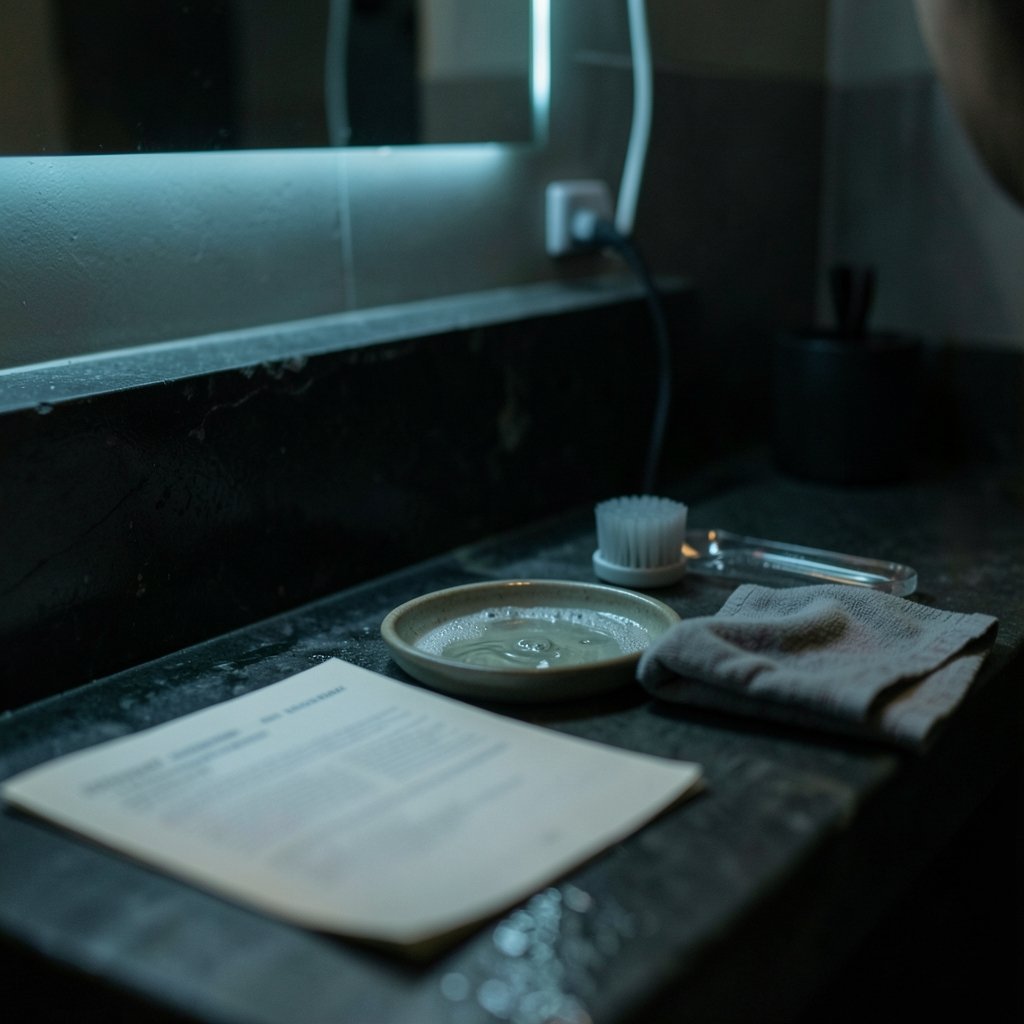
This sounds like filler advice. It is not. Device manuals contain the only instructions the manufacturer will stand behind, and they frequently contradict common cleaning instincts. A device marketed as “waterproof” may still have a manual that says do not submerge. A silicone cleanser may tolerate warm water but not alcohol. An LED mask may have a coated inner surface that degrades with the wrong wipe.
Water-resistance ratings vary widely by device and model, and marketing language often runs ahead of what the manual permits. Treat “waterproof” on a product page as a claim to verify, not a license to rinse under the tap. The same caution applies to disinfectants: alcohol, acetone, and household sprays can cloud plastics, crack silicone, and strip coatings from LED panels. Unless the manual explicitly names a cleaning agent, mild soap and a damp cloth are the safe default.
A practical habit: photograph the cleaning page of the manual and save it to a phone album. Manuals get lost, and support pages change.
The universal cleaning routine that works for almost everything
Most powered beauty devices respond well to the same basic sequence. The variations come later.
- Unplug or power off before touching anything. Never clean a device that is charging or connected to a cable.
- Remove detachable parts such as brush heads, silicone caps, or comb attachments.
- Wipe the body with a soft, slightly damp cloth. Avoid dripping water near seams, buttons, and ports.
- Clean contact surfaces — the parts that touch skin — with mild soap and lukewarm water, then rinse only if the manual allows it.
- Dry everything completely with a lint-free cloth before reassembly. Air-dry detachable parts fully before reattaching them.
- Keep ports and contacts dry, and charge only after the device is completely dry.
That is the whole routine, and it takes about two minutes. The mistakes almost always happen in the details rather than the sequence.
Device-by-device guidance
Different categories of beauty tech have different weak points. The table below summarizes the general pattern; the manual always overrides it.
| Device type | Main cleaning need | Typical safe method | Common mistake |
|---|---|---|---|
| Silicone facial cleanser | Residue on silicone bristles | Mild soap, warm water, soft brush | Boiling or using alcohol gel |
| Brush-head cleanser | Buildup between bristles | Remove head, wash with soap, dry fully | Leaving a damp head attached |
| LED mask | Oily film on inner panel | Damp microfiber cloth, gentle wipe | Spraying cleaner directly on LEDs |
| Microcurrent device | Product film on metal prongs | Wipe prongs after each use, keep dry | Cleaning while plugged in |
| IPL hair remover | Flash window and head | Dry or barely damp cloth per manual | Wetting the electrical body |
| Gua sha and rollers | Oil and skincare residue | Warm soapy water, dry on a towel | Storing damp in a drawer |
Silicone cleansers and brush heads
These collect the most residue because they work in wet, soapy conditions. Rinse the silicone or bristles after every use, work a drop of mild cleanser through them with a finger, and rinse again. Once a week, a soft-bristled toothbrush helps dislodge product caught at the base of the bristles. Dry the head standing upright so water drains away from the motor housing. (Cleanliness)
Replace heads on the manufacturer’s schedule rather than waiting for visible wear. A worn head holds residue more stubbornly and cleans less effectively. If a device is shared, heads should be individual.
LED masks
The inner panel touches skin directly, so a quick wipe after each session is worth the ten seconds. Use a microfiber cloth very slightly dampened with water, and avoid pressing hard on the LEDs. Never spray cleaner onto the mask itself; spray onto the cloth, or skip the spray entirely. Store the mask flat or in its case so the flexible frame does not distort.
Microcurrent and radiofrequency devices
Metal prongs and applicator heads collect conductive gel, which dries into a sticky film. Wipe them after every session with a damp cloth, then dry. Do not run the device while cleaning it, and do not let water run into the seam around the head. If the manual permits, a small amount of mild soap on a damp cloth is usually fine, followed by a clean damp cloth to remove residue.
IPL hair removal devices
These are electrical appliances first and beauty tools second. The flash window needs a wipe after each session to keep light output consistent, but the body should stay dry. Check the vents for dust buildup, since blocked airflow is a genuine overheating risk. Store the device away from damp bathroom air, ideally in a bedroom drawer rather than next to the shower.
Gua sha, rollers, and manual tools
Non-powered tools are the easiest to clean and the easiest to neglect. Wash with warm water and mild soap after each use, rinse, and dry on a clean towel rather than a damp counter. Stone tools can chip if knocked against a sink, so handle them over a soft surface.
What actually works in practice, and what quietly ruins devices
A few patterns hold across nearly every device category.
Clean contact surfaces after every use, and deep-clean weekly. The daily wipe is what prevents buildup; the weekly clean is what removes it. Skipping the daily step and doing a big clean once a month is the most common failure pattern.
Keep water away from electricity, always. This sounds obvious until someone rinses a device under a running tap because the box said “water-resistant.” Water resistance is a rating for accidental exposure, not an invitation.
Skip the shared towel. Drying a device on the bathroom hand towel reintroduces whatever the towel has picked up. Keep a dedicated lint-free cloth for device care.
Do not store devices in the shower. Constant humidity is hard on batteries, contacts, and coatings. A dry drawer or cabinet is better.
Follow replacement schedules. Brush heads, silicone tips, and filter components have lifespans. A clean but worn head is still a worn head.
Check for recalls and safety notices occasionally. Electrical personal-care appliances are regulated products, and safety notices do get issued. A quick check of the manufacturer’s support page once a year is enough.
There is a philosophical angle here too. As living with less becomes a genuine aspiration for many households, keeping fewer devices in excellent condition beats accumulating a shelf of half-maintained ones. Cleaning well is a form of consuming less.
Building a routine that survives real life
The best cleaning routine is the one that fits into an existing habit. Attach device care to something that already happens daily: the wipe happens right after the device is used, before it goes back in its spot. The weekly deep clean can ride along with the weekly bathroom tidy-up.
A simple kit helps: a small stack of microfiber cloths, a bottle of mild liquid soap, a soft toothbrush, and a shallow dish for drying detachable parts. Keep it together so there is no friction. Friction is what kills routines.
For anyone building out a broader regimen, it helps to think about device care as part of the same system as product choice and technique. The skincare, makeup and review resources available today make it easier to compare devices before buying, and checking how a device is cleaned and maintained belongs in that comparison. A tool that is hard to clean will, in practice, be cleaned badly.
When to stop cleaning and start replacing
Some problems are not cleaning problems. Cracked housings, frayed charging cables, batteries that no longer hold charge, and discolored or degraded silicone are signs to stop using the device. Water that has entered a sealed body is another red flag; continuing to charge a device with moisture inside is a genuine safety concern.
Consumable parts are a separate category. Brush heads, silicone tips, and filter pads are designed to be replaced, and stretching their lifespan past the recommended interval undoes the benefit of cleaning. If a device has been in a drawer unused for a year, check the manual for storage guidance before putting it back into rotation, and clean it thoroughly first.
Conclusion
Cleaning beauty tech is not complicated, but it is specific. The universal routine — power off, wipe the body, wash the skin-contact parts with mild soap, dry completely, keep ports dry — covers most devices most of the time. The differences that matter live in the manual, and the mistakes that matter come from treating marketing language as permission.
The payoff is tangible: fewer breakouts traced to mystery causes, devices that last years instead of months, and a bathroom shelf that feels considered rather than cluttered. Two minutes after each use and ten minutes once a week is a small price for tools that keep doing what they were bought to do.
Frequently asked questions
How often should beauty tech devices be cleaned?
Skin-contact surfaces should be wiped after every use, and detachable parts like brush heads should be washed at least weekly. Devices used with gel or serum need a wipe after each session because residue dries quickly and reduces performance.
Can I use alcohol wipes on my devices?
Only if the manual explicitly allows it. Alcohol can cloud plastics, dry out silicone, and strip coatings from LED panels and metal components. Mild soap and a damp cloth are the safer default for most devices.
Is it safe to rinse a waterproof device under the tap?
Not necessarily. Water-resistance ratings vary by model, and marketing claims often go further than the manual permits. Many manuals say not to submerge a device even when the product page calls it waterproof. Follow the manual.
How do I clean an LED mask without damaging it?
Wipe the inner panel after each session with a microfiber cloth that is barely damp. Never spray cleaner directly onto the mask, and avoid pressing on the LEDs. Store it in its case or flat so the frame keeps its shape.
What is the biggest cleaning mistake people make?
Probably cleaning a device while it is plugged in or charging. It is also common to skip the daily wipe and rely on an occasional deep clean, which lets residue build up in places that are hard to reach later.
When should I replace a device instead of cleaning it?
Replace it when the housing is cracked, the cable is frayed, the battery no longer holds charge, or water has gotten inside. Consumable parts like brush heads and silicone tips should be replaced on the manufacturer’s schedule regardless of how well they are cleaned.