
Smart Home Without Clutter: Room-by-Room Design Plan
 Abdul WadoodLast updated
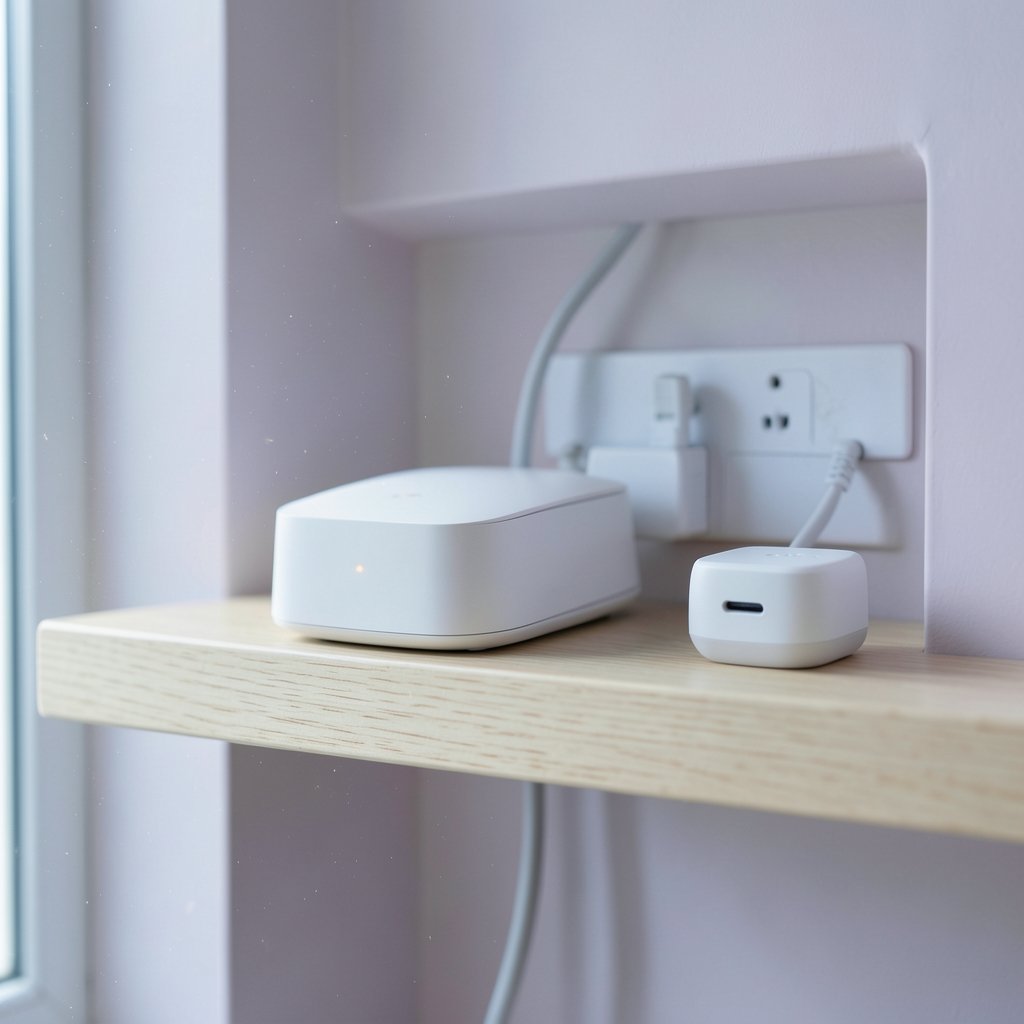
A single smart plug seems harmless. Then comes the hub, the bridge, the second app, the extra router, and the drawer full of orphaned chargers and cables nobody can identify. Within two years, many connected homes end up with more hardware than the family has rooms. The irony is thick: technology sold as convenience has quietly become a new form of domestic mess.
The fix is not fewer gadgets for their own sake. It is a design process that treats infrastructure as architecture rather than as shopping. This guide walks through that process room by room, with the mistakes people make, the choices that actually hold up over time, and the places where a little planning saves years of visible chaos. (Art, Design & Modern Trends)
Why Smart Homes Get Cluttered So Fast
Most clutter is not caused by bad products. It is caused by buying in the wrong order. People purchase devices first, then try to find a place for them, then find the apps do not connect with the next device they buy.
Three forces drive the mess:
- Protocol fragmentation. A home may end up running Wi-Fi, Bluetooth, Zigbee, Z-Wave, and Thread devices at once, each with its own bridge and app.
- Visible power. Smart speakers, cameras, and hubs all need electricity, and the nearest outlet is rarely where the device looks good.
- Cable creep. Every hub, bridge, and camera brings a power adapter, and adapters multiply faster than anyone expects.
The same logic applies to any design project where function and appearance compete. If you have ever tried to design a home that feels personal without letting the objects take over, the principle is familiar: decide the experience first, then choose the objects that serve it. (Home automation)
Start With the Network, Not the Gadgets
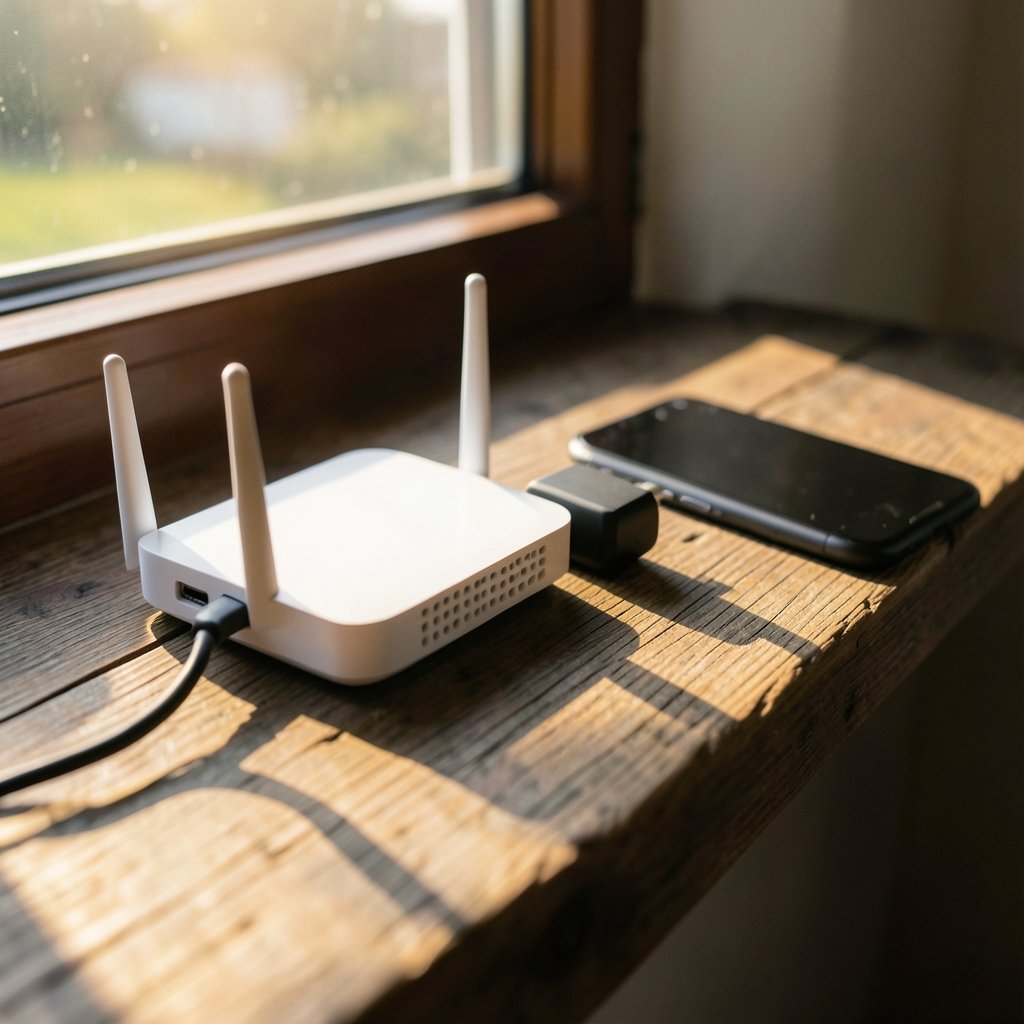
The single most effective anti-clutter decision happens before you buy anything: choose one control platform and one network backbone.
Matter, the interoperability standard published by the Connectivity Standards Alliance in October 2022, was created specifically to reduce the hub-and-app sprawl. A Matter-certified device is designed to work across ecosystems rather than locking you into one vendor’s app. In practice, that means fewer bridges, fewer logins, and fewer apps competing for space on your phone’s home screen.
A workable backbone looks like this:
- Pick a primary home platform (Apple Home, Google Home, Amazon Alexa, or a local hub like Home Assistant) and commit to it.
- Prefer Matter-certified devices for anything new, and check the certification listing rather than the box’s marketing claims.
- Use Thread or Zigbee for battery-powered sensors so they do not clog your Wi-Fi.
- Keep a wired backbone for anything that streams video.
Local control deserves a mention here. Hub-based systems that run without a cloud round-trip tend to respond faster and keep working when the internet drops, which matters more than most buyers realize on day one.
The Hidden Infrastructure: Outlets, Conduit, and Cable Discipline
This is the part almost everyone skips, and it is where visible clutter is actually born. A smart home’s tidiness is decided behind the drywall.
Practical rules that hold up:
- Plan outlets where devices will live, not where the electrician finds it easiest. High on a wall for a camera, inside a cabinet for a hub, behind a media unit for a bridge.
- Run conduit during any renovation. A short run of flexible conduit from a closet to the living room costs little during construction and saves a fortune later.
- Consolidate power in a single cabinet. One ventilated cupboard with a switched power strip can host the router, hub, and bridges, with all status lights hidden behind a door.
- Label every cable at both ends. This sounds fussy until the first device fails and you are tracing a black cable through a nest of twelve others.
The National Electrical Code governs outlet placement in the United States but does not specifically mandate smart-home provisions, so the planning is on you or your contractor. Treat it as a design brief, not an afterthought.
Room by Room: Where Devices Should Actually Live
Clutter is contextual. A speaker on a kitchen counter is normal; the same speaker on a dining table is noise. Here is how the logic plays out.
| Room | Keep visible | Hide completely |
|---|---|---|
| Living room | One speaker, one display | Hubs, bridges, power strips, cable runs |
| Kitchen | A single countertop display | Plugs, sensors, under-cabinet wiring |
| Bedroom | Nothing with a status light | Everything, including the router |
| Hallway | Motion sensors, flush-mounted | Repeaters, extra access points |
| Utility closet | The entire network stack | Nothing needs to be seen here |
The bedroom rule is the one people break most often. Any device with an LED will glow at 3 a.m., and a single blue dot is enough to ruin a dark room. Choose devices with status lights you can disable, or put them behind furniture.
For anyone who cares about how objects sit in a space, the same discipline that governs sightlines outdoors applies indoors: sightlines matter more than specifications.
Choosing Devices That Disappear
The best smart-home hardware is the hardware you stop noticing. A few selection criteria do most of the work:
- In-wall over plug-in. Smart switches and dimmers replace existing fixtures rather than adding new ones. A wall switch is invisible by definition.
- Flush sensors. Door and window sensors that recess into the frame cost more and look like nothing at all.
- Wired cameras over battery pucks. One cable run beats five rechargeable batteries and the charging schedule that comes with them.
- Devices with local APIs. If the manufacturer vanishes, a local API keeps the device useful instead of turning it into e-waste.
- Neutral aesthetics. White plastic yellowing in sunlight is a real problem. Matte finishes and metal faceplates age better.
A useful test before purchase: can you describe where this device will live, in one sentence, without moving anything else? If not, it is probably clutter waiting to happen.
The App Problem Nobody Warns You About
Physical clutter is visible. Digital clutter is worse, because it follows you everywhere.
Every device brings an app, an account, a notification stream, and a firmware update schedule. Ten devices can mean ten apps, and each one wants permission to send you alerts.
The countermeasures are simple but require discipline:
- Consolidate into one dashboard. Most ecosystems let you hide vendor apps entirely once devices are paired.
- Turn off every notification by default, then enable only the three or four that matter (doorbell, smoke alarm, leak sensor, garage door).
- Automate instead of notifying. A light that turns on is better than a push alert telling you it is dark.
- Prune quarterly. Any device you have not controlled in ninety days is a candidate for removal.
This mirrors the discipline behind any well-curated collection. The luxury watch and design world runs on the same principle: fewer pieces, chosen carefully, maintained properly, beat a crowded drawer every time.
Power, Cables, and the Art of Hiding the Evidence
Cable management is unglamorous and decisive. A few habits separate tidy installations from spaghetti:
- Measure before you buy. Cable length is the most common cause of coiled excess behind furniture.
- Use Velcro, not zip ties. You will need to move things, and zip ties make that a chore.
- Route along skirting boards and door frames, not diagonally across walls.
- Adhesive conduit works well for a single cable and looks intentional when painted to match the wall.
- Keep a labeled “spares” box with one of each adapter type, so you never buy a fourth USB-C brick.
If the cable problem feels familiar from other projects, it is the same lesson that shows up when people shop for a hair store and discover that buying the right tool once beats buying three cheap ones. Buying smart applies to cables too. (Find Hair Salons Near Me: 2026 Guide to Smart Searching)
Security and Privacy Without Extra Hardware
Connected devices raise real questions about data and access. The European Union’s Cyber Resilience Act, which entered into force in December 2024 with main obligations applying from December 2027, will require security-by-design for products with digital elements, including many smart-home devices. In the meantime, buyers carry the burden.
A clutter-free approach to security avoids bolt-on gadgets:
- Segment your network. Put smart devices on a separate Wi-Fi network or VLAN. This is a router setting, not a purchase.
- Change default credentials on every device during setup, before it ever joins the network.
- Prefer local storage for cameras over subscription cloud plans.
- Update firmware on a schedule, ideally automatically, so it never becomes a manual chore.
None of this adds a box to a shelf. That is the point.
A Buying Order That Prevents Regret
Most clutter comes from buying in the wrong sequence. A better order:
- Network and router first, with a plan for coverage.
- In-wall switches and dimmers next, since they replace rather than add.
- Sensors and automations after that, because they are invisible and create the most daily value.
- Cameras and displays last, once you know where the sightlines are.
- Voice assistants whenever, but only one per zone.
Following this order means every purchase has a home before it arrives. It also means you buy fewer things, because automation removes the need for some devices entirely. (Indoor Air Quality (IAQ))
The same sequencing logic shows up in design details that define a driver’s car: the experience is engineered before the trim is chosen, not after.
What Actually Works in Practice
After the planning, a few habits keep a smart home calm:
- One visible device per room, maximum. Everything else is infrastructure.
- A single “network closet” with a door that closes.
- Automations over apps. If you are opening an app daily, the automation is missing.
- A monthly five-minute audit of devices, apps, and firmware.
- A hard rule against impulse purchases at checkout counters and flash sales.
The most common mistake is buying a device because it is on sale, then discovering it needs a hub you do not own. The second most common is keeping a device that no longer works because removing it feels like admitting a mistake. Both are clutter with extra steps.
Conclusion
A smart home without clutter is not a home with fewer features. It is a home where the technology was planned like plumbing: hidden, reliable, and boring in the best sense. Choose one platform, prefer Matter-certified devices, plan outlets and conduit before the drywall goes up, consolidate power into a single closed cabinet, and let automations replace apps.
The measure of success is simple. Guests should not be able to count your devices, and you should not have to think about them. When the technology disappears into the architecture, the house finally feels like a home again.
Frequently Asked Questions
How many smart devices are too many for one home?
There is no fixed number, but a useful threshold is visibility. If more than one device per room is visible on a shelf or counter, the home is probably over-provisioned. Most households get 80 percent of the practical benefit from in-wall switches, a handful of sensors, and one or two cameras.
Do I need a hub if I use Matter devices?
Not always. Matter was designed to let devices connect directly to major ecosystems over Wi-Fi or Thread. However, a hub or border router is still needed for Thread-based devices and often improves reliability and local control. Check each device’s requirements before buying.
What is the cheapest way to reduce smart home clutter?
Start with what you already own. Consolidate apps into one dashboard, turn off non-essential notifications, move hubs into a closed cabinet, and remove any device you have not used in ninety days. None of that costs money, and it usually delivers the biggest visible improvement.
Should smart home wiring be planned during renovation?
Yes, and it is the single best moment to do it. Running conduit, adding outlets at device height, and creating a dedicated network closet costs relatively little during construction and is expensive to retrofit later. Treat it as part of the electrical plan.
Are wireless devices always less cluttered than wired ones?
No. Battery-powered devices avoid cables but introduce charging schedules and, in the case of cameras, visible hardware. Wired devices need one installation but then disappear. For anything permanent, wired usually wins on both tidiness and reliability.
How do I stop notifications from taking over?
Set every device to silent by default, then enable alerts only for safety-critical events such as smoke, water leaks, doorbell presses, and open garage doors. Everything else should be handled by automation rather than a push alert.